A hands-on forensic investigation
Investigate the Cloudcore breach.
A five-lab investigation of a real-world data-exfiltration incident. You log into a forensic workstation with professional tools — Sleuth Kit, Volatility, Autopsy, Plaso, YARA — recover deleted files, analyse memory, follow the exfiltration, and write the report.
Get started
First time? About 10 minutes — most of it Docker installing. Done once.
Get started
Install Docker Desktop
Free, one-time, and the only software you need. Download for your system ↗, install it, and start it — wait until it shows “running”.
Download the labs — no git needed
⭳ Download the ZIP, then unzip it. You'll get a folder named forensics-docker-lab-main — put it somewhere easy, like your Desktop.
On Windows, “Extract All” nests it one level deeper — forensics-docker-lab-main\forensics-docker-lab-main. That's normal: the inner folder (the one containing start.bat) is the one you want. Move it somewhere easy and delete the empty outer one.
Launch it
- Open the folder and double-click start.command.
First time only: if macOS blocks it, right-click the file → Open → Open.
- A Terminal window opens, the machines boot, and you land at the lab> prompt. Pick a module (see the cards below) and follow it.
Prefer the terminal? Open Terminal, type cd (with a trailing space), drag the folder onto the window, press Enter, then run ./start.sh
- One-time: install Git for Windows — it's the lab launcher. Run the installer and click Next through every screen; the defaults are all fine.
- Open the unzipped folder — the inner one, containing start.bat — and double-click start.bat.
If a window flashes open and vanishes: right-click an empty spot inside the folder → Open in Terminal, type .\start.bat and press Enter — the message stays on screen. It usually says Docker Desktop isn't running yet.
- Open a terminal in the folder — in most file managers, right-click → Open Terminal Here.
- Run ./start.sh and pick a module.
Or from any terminal: cd path/to/forensics-docker-lab-main && ./start.sh
The investigation — five progressive labs
Work them in order — each builds on the last. Click a card for what you do and the walkthrough.
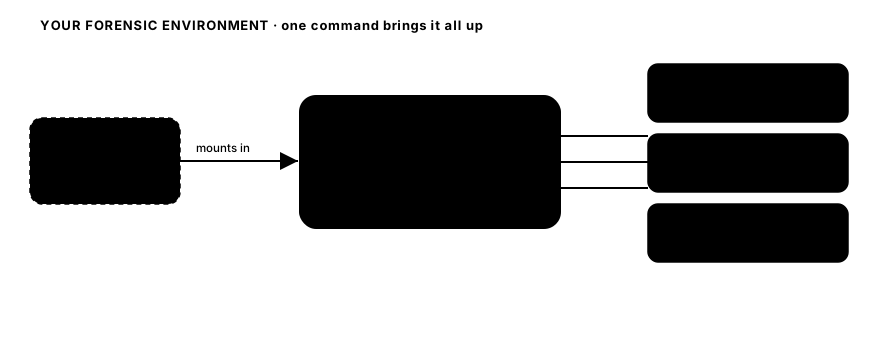
Your forensic environment
One command brings up the workstation and its tools.
Part of the Assume-Breach series
Hands-on security labs across the lifecycle — plus two companion books and a game that tie it together. Found one? Here's the rest — or browse the whole series on the series home.